Note
Go to the end to download the full example code. or to run this example in your browser via Binder
Box Widget#
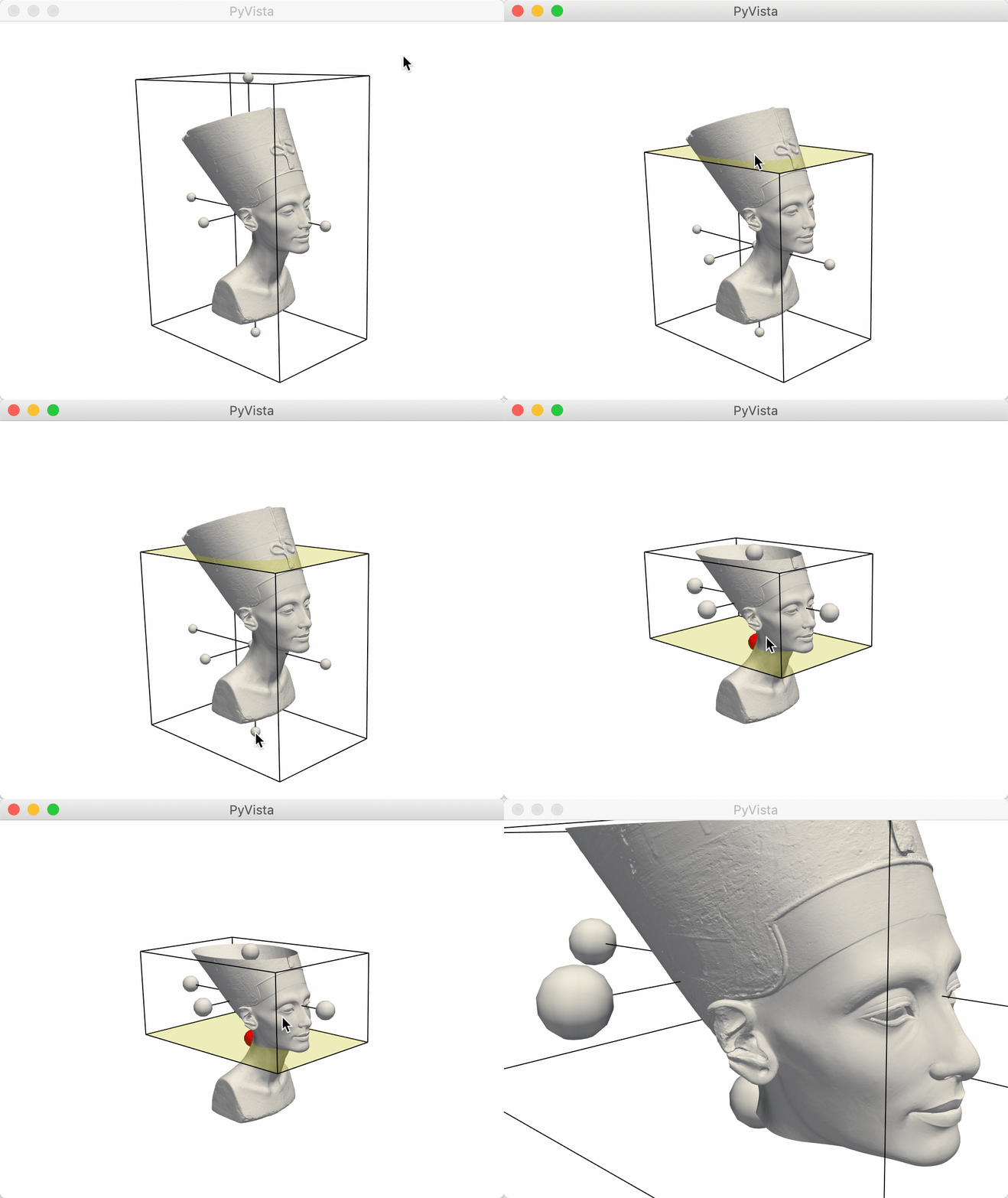
The box widget can be enabled and disabled by the
pyvista.Plotter.add_box_widget() and
pyvista.Plotter.clear_box_widgets() methods respectively.
When enabling the box widget, you must provide a custom callback function
otherwise the box would appear and do nothing - the callback functions are
what allow us to leverage the widget to perform a task like clipping/cropping.
Considering that using a box to clip/crop a mesh is one of the most common use
cases, we have included a helper method that will allow you to add a mesh to a
scene with a box widget that controls its extent, the
pyvista.Plotter.add_mesh_clip_box() method.
import pyvista as pv
from pyvista import examples

mesh = examples.download_nefertiti()
/home/runner/work/pyvista-tutorial/pyvista-tutorial/tutorial/08_widgets/a_box-widget.py:25: UserWarning: download_nefertiti returns a dataset licensed under CC BY-NC-SA 4.0 ("The Other Nefertiti" by Al-Badri and Nelles, 2016). It may not be used for commercial purposes, and derivative works must be shared under the same license. For a CC0 alternative suitable for commercial use, see download_washington_bust or download_lincoln_life_mask.
  mesh = examples.download_nefertiti()
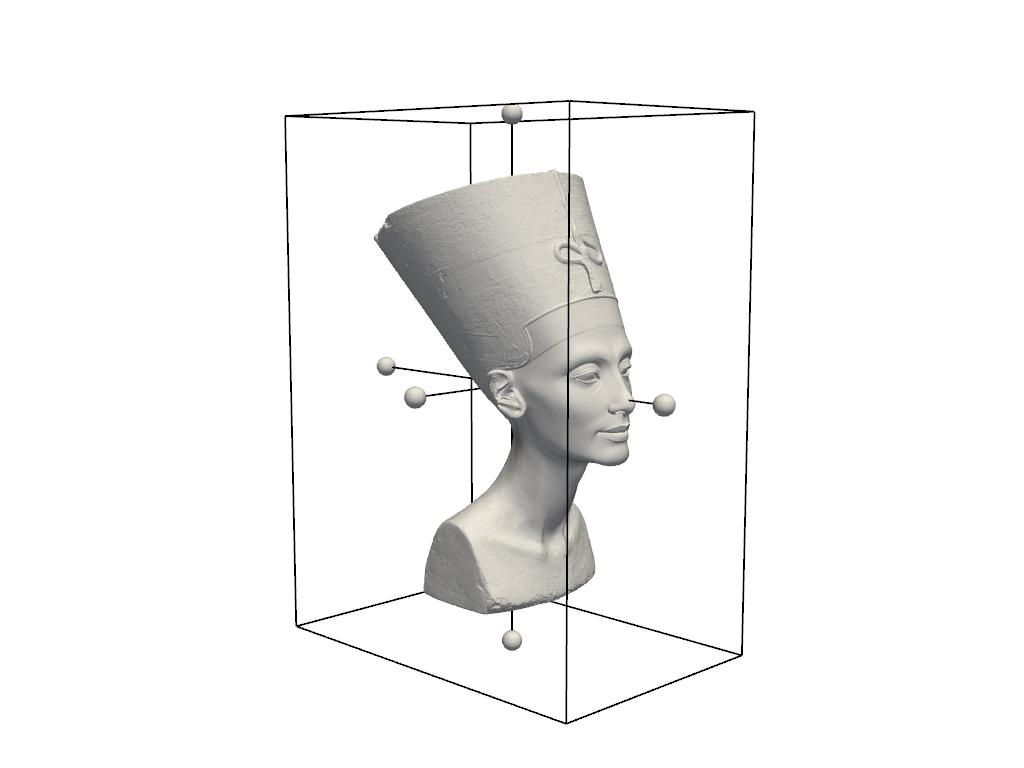
pl = pv.Plotter()
pl.add_mesh_clip_box(mesh, color="white")
pl.show(cpos=[-1, -1, 0.2])
After interacting with the scene, the clipped mesh is available as:
/home/runner/work/pyvista-tutorial/pyvista-tutorial/tutorial/08_widgets/a_box-widget.py:36: PyVistaDeprecationWarning: ``Plotter.box_clipped_meshes`` is deprecated; use ``Plotter.widgets.box_clipped_meshes`` instead.
  pl.box_clipped_meshes

[UnstructuredGrid (0x7ff554a9f2e0)
  N Cells:    2018232
  N Points:   1009118
  X Bounds:   -1.194e+02, 1.194e+02
  Y Bounds:   -1.813e+02, 1.813e+02
  Z Bounds:   -2.473e+02, 2.473e+02
  N Arrays:   1]

Total running time of the script: (0 minutes 13.924 seconds)
